THE PLAYBOOK · PT-BUS
How to play Visual Memory
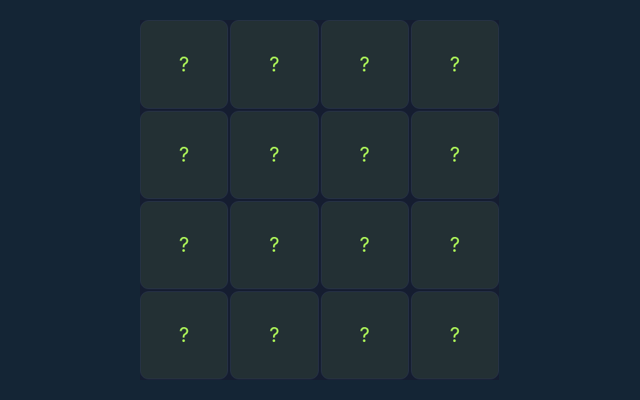
PT-BUS presents Visual Memory with a practical playbook rather than a download screen. Select every square that was shown. Selecting an unshown square ends the session. Read the observe, then act note before you begin.
Observe, then act
Look at the full play area and read the status message. Make a deliberate choice and compare the outcome with your expectation.
Your goal
Select every square that was shown. Selecting an unshown square ends the session.
Step by step
- Start a round and watch the highlighted cells.
- Wait until the board hides the pattern.
- Select the positions you remember; order does not matter.
- Complete the pattern to advance.
Controls
Use the on-screen controls with a mouse or touch.
A useful example
If the four corner squares were shown, select those four corners in any order.
Watch out for this
Unlike Sequence Memory, this game does not require the original order.
Common questions
What is included in this edition?
Remember a group of highlighted squares before they disappear. Each round asks you to remember more locations.
Which controls should I use?
Use the on-screen controls with a mouse or touch.
Can you show a concrete example?
If the four corner squares were shown, select those four corners in any order.